Skip to content
-
Subscribe to our newsletter & never miss our best posts. Subscribe Now!
digitalnewsservices.com
  • Home
  • Linux
  • Git
  • Docker
  • Jenkins
  • Kubernetes
  • DevOps Projects
  • Home
  • Blog
  • Home
  • Linux
  • Git
  • Docker
  • Jenkins
  • Kubernetes
  • DevOps Projects
  • Home
  • Blog
Close

Search

  • https://www.facebook.com/
  • https://twitter.com/
  • https://t.me/
  • https://www.instagram.com/
  • https://youtube.com/
Subscribe
digitalnewsservices.com
  • Home
  • Linux
  • Git
  • Docker
  • Jenkins
  • Kubernetes
  • DevOps Projects
  • Home
  • Blog
  • Home
  • Linux
  • Git
  • Docker
  • Jenkins
  • Kubernetes
  • DevOps Projects
  • Home
  • Blog
Close

Search

  • https://www.facebook.com/
  • https://twitter.com/
  • https://t.me/
  • https://www.instagram.com/
  • https://youtube.com/
Subscribe
Home/Git/DevOps : Git Installation & 10 Real Projects
Git

DevOps : Git Installation & 10 Real Projects

By Sumit Sharma
April 20, 2026 3 Min Read
0

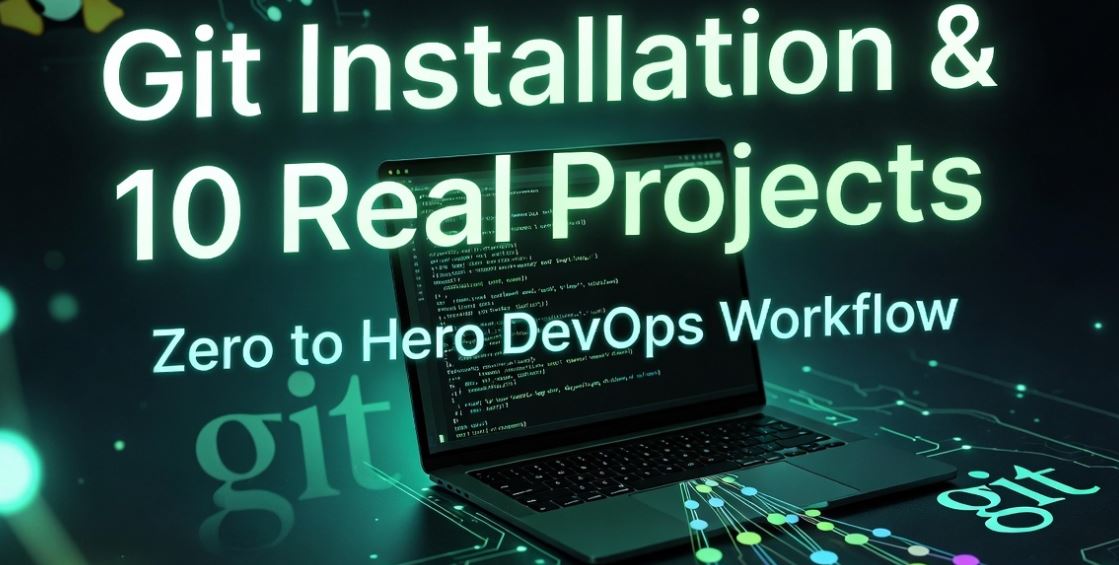
From Installation to DevOps Workflow: Zero to Hero Guide

Chapter 2: Hands-on Execution

Git Installation & 10 Real Projects

From Installation to DevOps Workflow: Zero to Hero Guide

1. Git Installation (Setup Your Machine)

To start tracking code, you need the Git engine on your OS. It’s like installing a camera to record your screen changes.
Git ko use karne ke liye pehle use apne OS mein install karna hoga. Ye aapke system mein ek engine ki tarah fit ho jayega jo har file change par nazar rakhega.

For Linux (Ubuntu):

sudo apt update && sudo apt install git -y

For Windows:

Go to git-scm.com, download the installer and click “Next” (default settings are perfect for DevOps).

Verify Installation:

git –version

2. Git Configuration (Identity Setup)

Git ko batana padega ki code kaun likh raha hai. Bina iske aap “Commit” nahi kar payenge.

git config –global user.name “Sumit Sharma”
git config –global user.email “sumit@example.com”

👉 Real DevOps Tip: Hamesha wahi email use karein jo aapke GitHub/GitLab account ka hai, taaki aapke “Contributions” sahi se dikhein.

🚀 10 Real-Time Hands-on Projects

Project 1: Initialize First Git Project

Scenario: Naya project shuru karna hai (DevOps Website).

mkdir my-website && cd my-website
git init # Initialize local repository
touch index.html
git add index.html # Add to Staging
git commit -m “First commit: Initial website setup”

Project 2: Track Multiple Files

Scenario: Aapne CSS aur JS files bhi add kar di hain.

touch style.css script.js
git add . # ‘.’ means add EVERYTHING in current folder
git commit -m “Added design and logic files”

Project 3: Modify File & Track Changes

Scenario: Developer ne index.html badal diya.

echo “Hello DevOps” >> index.html
git diff # Dekho kya badla hai
git add index.html && git commit -m “Updated homepage content”

Project 4: Undo Mistake Before Commit

Scenario: Galti se ek galat file `secret.txt` stage ho gayi.

git reset secret.txt # Unstage the file

Yahan beginner sabse zyada galti karte hain, reset se file delete nahi hoti, bas staging area se bahar aati hai.

Project 5: Fix Last Commit (Amend)

Scenario: Commit message mein typo ho gaya ya koi file miss ho gayi.

git commit –amend -m “Corrected: Initial setup with all files”

Project 6: Restore Deleted File

Scenario: Oh no! Galti se `index.html` delete ho gaya (rm index.html).

git restore index.html # Git brings it back from last commit!

Project 7: Full History Audit

Scenario: Manager ne pucha- “Pichle 3 commits mein kya hua tha?”

git log –oneline

Project 8-10 Summary

Simulating Sync, Multi-folder setup, and Manual Recovery using git checkout and git status to maintain 100% code integrity.

⚠️ Mistakes That Kill Productivity

1. Forgetting to Add: Seedha commit karne ki koshish karna.
Solution: Hamesha pehle git add karein.
2. Not Writing Clear Messages: Commit message mein sirf “updated” likhna.
Solution: Real DevOps me hamesha meaningful message likhein: “Fix: Resolved login button alignment”.
3. Committing Huge Binaries: Badi videos ya images Git mein dalna.
Solution: Use .gitignore to exclude large files.

Summary: Now You Are a Git Practitioner! 🎯

Aapne seekha: Install kaise karein, Identity kaise banayein, aur 10 real scenarios mein Git ko kaise handle karein.


Next Chapter: Agle chapter mein hum seekhenge Branches—Jo team collaboration ki jaan hai.
Author

Sumit Sharma

Follow Me
Other Articles
Previous

Introduction to Git & Version Control

Next

Remote Repositories & Cloud Workflow

No Comment! Be the first one.

Leave a Reply Cancel reply

Your email address will not be published. Required fields are marked *

Recent Posts

  • Dockerfile — Build Production-Ready Images Like a DevOps Engineer
  • Docker Images & Containers
  • Docker Introduction — Learn Containers with Real DevOps Projects (Beginner to Advanced)
  • Git Branching & Team Collaboration — Work Like a Real DevOps Engineer
  • Remote Repositories & Cloud Workflow

Recent Comments

No comments to show.

Archives

  • April 2026

Categories

  • Docker
  • Git
  • Linux
  • Uncategorized
Copyright 2026 — digitalnewsservices.com. All rights reserved. Blogsy WordPress Theme