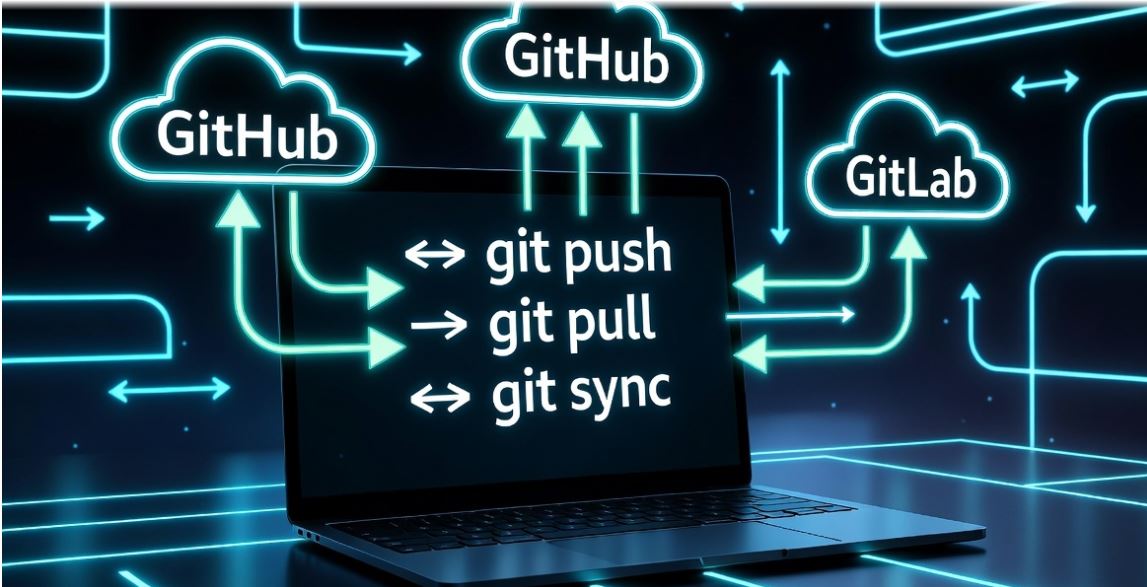
Remote Repositories & Cloud Workflow
Push, Pull & Sync: Team ke saath kaam karne ka DevOps tarika
1. Remote Repo vs Local Repo (ELI5)
Real DevOps Use Cases:
- Centralized Storage: Laptop kharab bhi ho jaye toh code cloud par safe hai.
- Collaboration: 10 developers ek saath ek hi project par kaam kar rahe hain.
- Deployment Trigger: Jaise hi aap GitHub par push karte ho, server apne aap update ho jata hai.
2. Essential GitHub Commands 🛠️
# Apne local folder ko GitHub ki link se jorna.
git push -u origin main
# Apna local code GitHub par bhejna (Upload).
git pull origin main
# GitHub se naya code apne laptop par lana (Download).
🚀 8 Hands-on DevOps Projects (Step-by-Step)
Syncing Local Code to GitHub for the First Time
Scenario: Aapne ek “Portfolio” website banai hai. Ab aap chahte hain ki iska poora history GitHub par backup ho jaye.
git add .
git commit -m “Initial portfolio setup”
git remote add origin https://github.com/sumit/portfolio.git
git branch -M main
git push -u origin main
DevOps Fact: -u flag se aapki local branch hamesha ke liye remote se track hone lagti hai.
Team Collaboration: Pulling Latest Changes
Scenario: Maan lijiye aapka colleague Rahul ne naya code GitHub par upload kiya hai. Aapko wo changes apne laptop par chahiye.
git fetch origin
# Ab unhe apne code mein merge karne ke liye
git pull origin main
👉 Mistake: Pull kiye bina kaam shuru karna.
Fix: Hamesha din shuru karte hi pehle pull karein.
Cloning a Production Repo
Scenario: Aap naye company mein join huye hain. Aapko existing project ki copy chahiye.
cd mega-app
ls -a # Poora history aur code aa chuka hai!
Handling “Rejected Push” Error
Scenario: Aap code push kar rahe hain par error aa raha hai: [rejected] error: failed to push some refs.
Reason: GitHub par aisa code hai jo aapke paas nahi hai (Conflicts).
# Conflicts resolve karein, fir commit karein
git add .
git commit -m “Merge remote changes”
git push origin main
Secure Access with SSH Keys
Scenario: Har baar username/password daalna risky aur boring hai. Hum SSH use karenge.
# Copy public key and add to GitHub settings
cat ~/.ssh/id_ed25519.pub
Debugging Remote URLs
Scenario: Galti se galat GitHub URL add ho gaya ya aapko repo rename karni hai.
git remote set-url origin https://github.com/sumit/new-repo.git
Syncing Local Branch with Remote
Scenario: Aapki local main branch aur remote main branch sync se bahar hain.
git pull –rebase origin main # Clean sync
Real-Time Website Deployment Flow
Scenario: Laptop par code change karke server par live karna.
git commit -am “Update landing page” && git push
# 2. On Server (via SSH)
cd /var/www/html && sudo git pull origin main
🔥 10 Real-World DevOps Scenarios
1. First Push: Initializing a project from zero.
2. Sync: Fetching team code before starting work.
3. Authentication: Using Personal Access Tokens (PAT).
4. rejected push: Fixing out-of-sync local history.
5. Remote Audit: checking git remote -v to verify origins.
6. Force Push: Overwriting remote (DANGEROUS).
7. Branching Remote: Pushing a local branch to GitHub.
8. SSH Debug: Testing connection with ssh -T git@github.com.
9. Large Files: Using Git LFS for binary data.
10. Cleanup: Deleting remote branches after merge.
Summary: GitHub Mastery 🎯
1. Remote cloud storage hai, jahan team collab karti hai.
2. Push upload karta hai, Pull download karta hai.
3. Hamesha pull pehle karein, push baad mein.
4. DevOps mein Deployment GitHub ke bina incomplete hai.
Next Chapter: Agle part mein hum seekhenge GIT BRANCHES (Feature based development).