Linux Installation & Setup | From Zero to Production-Ready in Minutes | VirtualBox, VMware & Cloud VM
🐧 Chapter 2.1: Linux Installation & Setup
From Zero to Production-Ready in Minutes | VirtualBox, VMware & Cloud VM
Question 1: VM kya hota hai? Answer: Virtual Machine (VM) ek software-based computer hai jo aapke laptop/desktop ke andar chalta hai. Jaise aap Windows pe Ubuntu Linux chala sakte hain bina dusre laptop kharide.
Question 2: Kyun hum VM use karte hain DevOps/Dynatrace learning ke liye? Kyunki real production servers par direct practice risky hota hai. VM mein aap safely experiment kar sakte hain.
1. VirtualBox Setup (Free & Best for Beginners)
Real-Time Example 1: Aap ghar pe laptop pe Ubuntu install karna chahte hain Dynatrace OneAgent practice ke liye – bina cloud paise kharch kiye. Real-Time Example 2: Company mein new team member ko Linux sikhana hai – VirtualBox se 10 minute mein ready VM de sakte hain.
1. Download VirtualBox: https://www.virtualbox.org
2. Install karo (Windows/Mac/Linux pe)
3. New VM → Name: Ubuntu-Lab → Type: Linux → Version: Ubuntu (64-bit)
4. RAM: 4 GB (minimum 2 GB)
5. Hard Disk: 20 GB (dynamically allocated)
2. VMware Workstation / Fusion Setup (Professional Use)
Real-Time Example 1: Aap production-like environment test karna chahte hain Dynatrace Kubernetes setup ke liye. Real-Time Example 2: Team collaboration – VMware se VM export/import kar sakte hain.
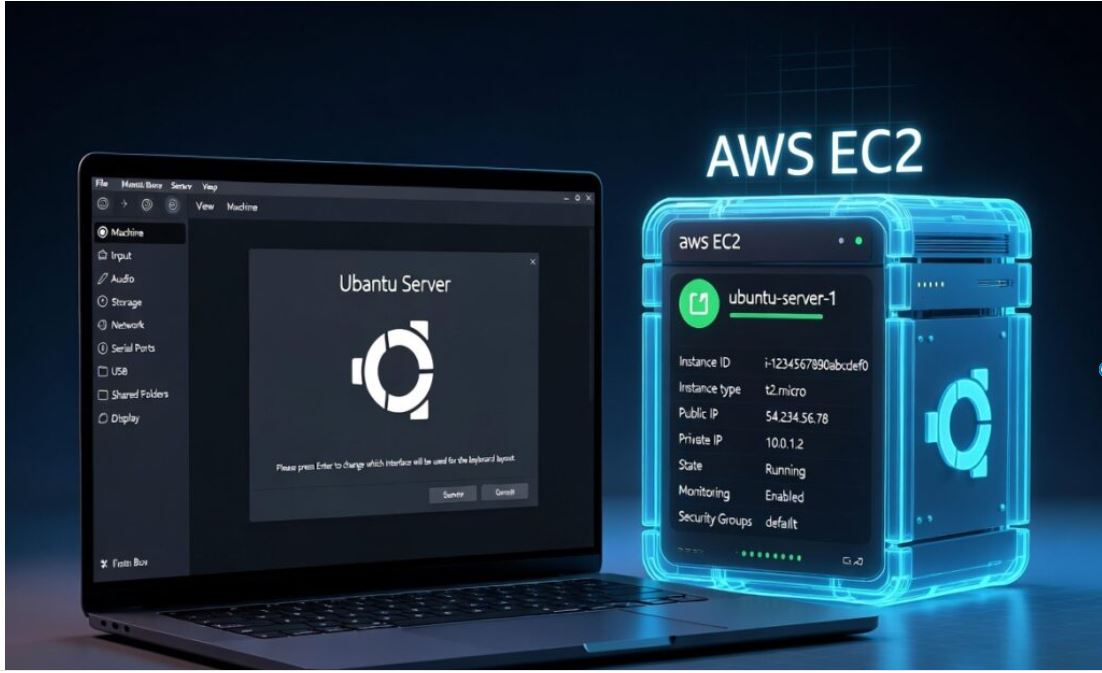
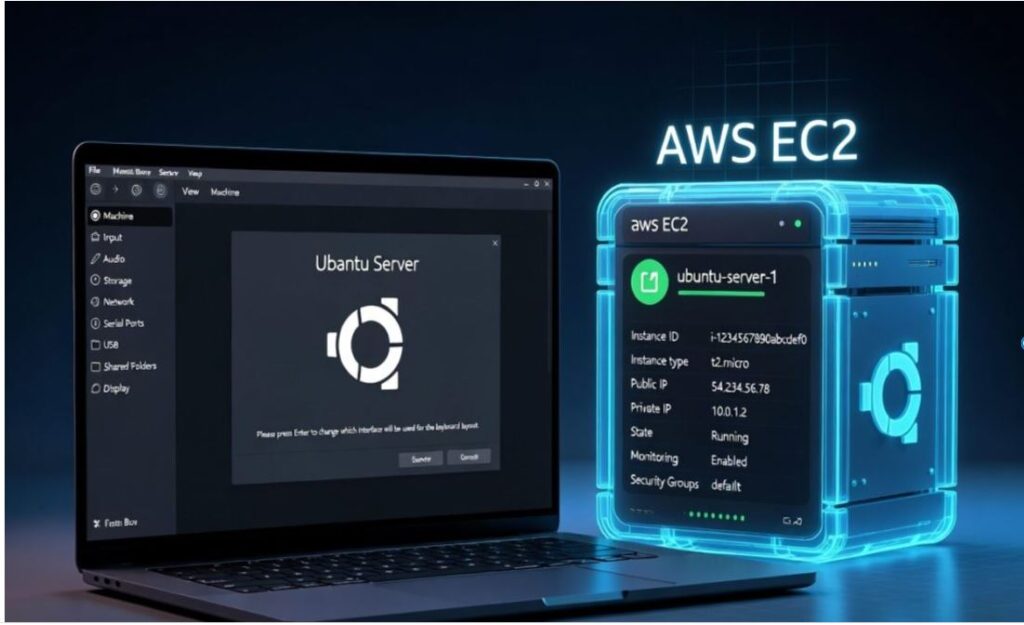
3. Cloud VM Setup (AWS EC2 – Recommended for Real DevOps)
Real-Time Example 1: Aap free AWS account mein Ubuntu server launch kar rahe hain Dynatrace OneAgent install karne ke liye. Real-Time Example 2: Production migration practice – local VM se cloud VM pe move karna.
4. Ubuntu Installation Steps (20.04 LTS ya 22.04 LTS – 2026 Recommended)
1. ISO download: ubuntu.com/download/server
2. VirtualBox/VMware mein mount karo
3. Boot → English → Install Ubuntu Server
4. Keyboard: Default
5. Network: DHCP (automatic)
6. Proxy: Leave blank
7. Mirror: Default
8. Storage: Use entire disk
9. Profile: Your name + strong password
10. SSH: Enable OpenSSH server (very important!)
11. Finish installation
Common Mistakes & Pro Tips
- RAM kam mat rakho – minimum 4 GB for smooth Dynatrace practice
- Always enable SSH during Ubuntu install
- VM snapshot banao pehle practice se – galti ho toh rollback kar sakte hain
Ready for next level? Yeh free series hai. Poora Linux for DevOps Mastery Course join karne ke liye yahan click karein (limited seats). Aapke progress ko boost milega!
Chapter 2.1 – Linux Installation & Setup | By Your Professional Dynatrace Trainer